Schedule Instagram Posts, Carousels, Reels, Trial Reels, and Stories with OneUp

OneUp allows you to schedule posts, carousels, Reels (with thumbnails), Trial Reels, and Stories to your Instagram account. Collab posts, mixed media posts (image + video in same post), location tagging, product tagging, user tagging, and First Comments are all supported 🤓
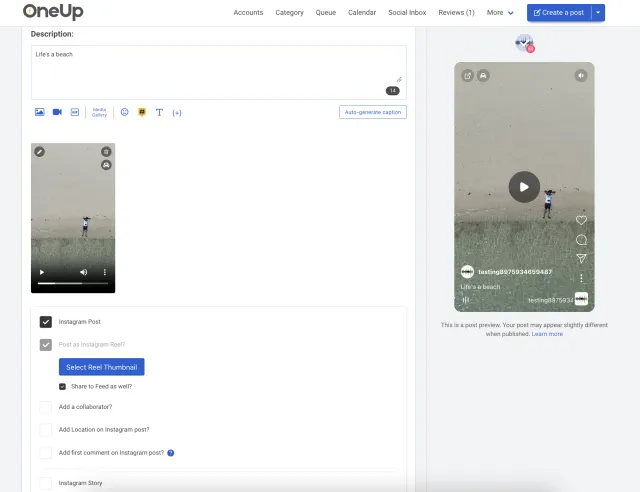
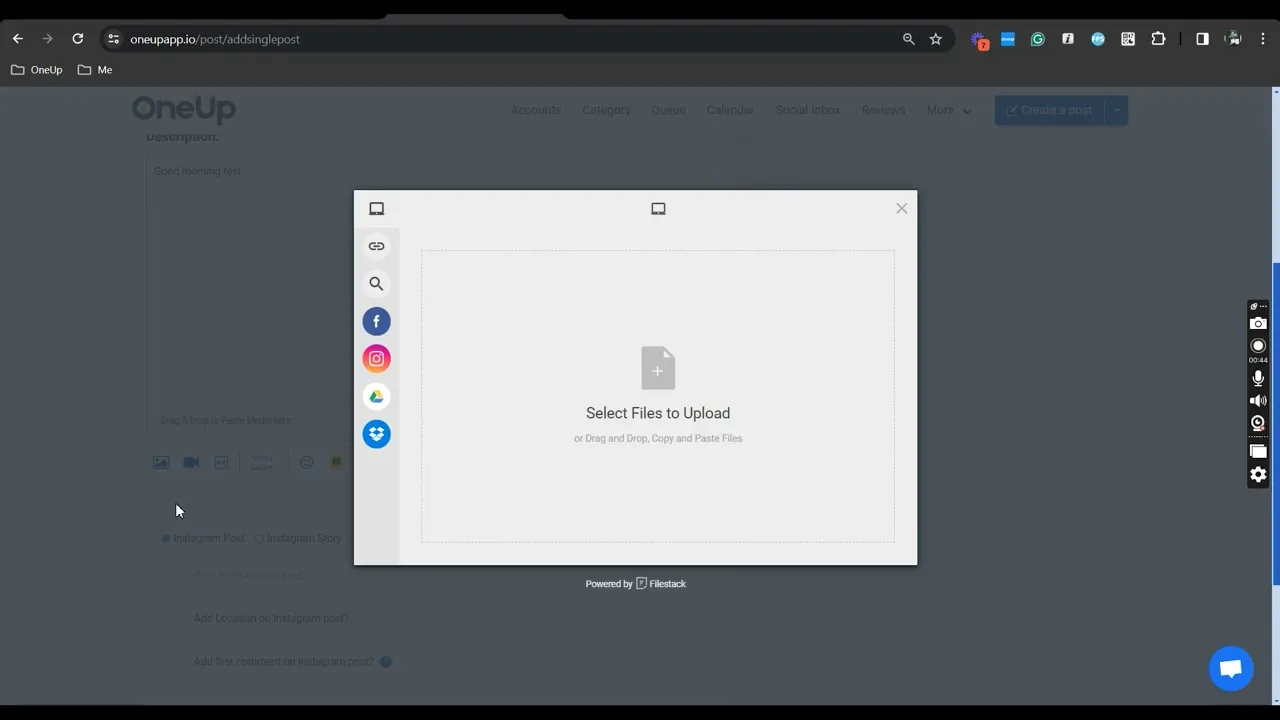
instagram preview

Here's how it works

Here's how to schedule Instagram posts, carousels, Reels, Trial Reels, and Stories with OneUp:

Schedule Instagram posts with OneUp

Schedule Instagram posts, Reels, Trial Reels, and Stories

With OneUp you can schedule Instagram posts, carousels, Reels (with thumbnails), Trial Reels, and Stories to one or multiple Instagram accounts at the same time.

Mixed media posts (image + video in same post)

Schedule posts with both images and videos in the same post (or posts with multiple videos).

Add a First Comment

You can add a First Comment to your Instagram posts and Instagram Reels.

Reply to Instagram comments

Reply to comments on your Instagram Page, save frequently used replies for easy access.

Reply to Instagram messages

Reply to DMs on your Instagram Page, save frequently used replies for easy access.

Tag Collaborators

OneUp allows you to tag collaborators on Instagram posts.

Location tagging

OneUp allows you to tag a location in your Instagram post.

Tag products

OneUp allows you to tag products from your catalog in your Instagram posts.

Instagram grid planner

OneUp has a drag & drop IG grid planner for getting a visual look at how your scheduled posts will appear on your Instagram grid once they are published.

Instagram link-in-bio page

OneUp has a link-in-bio page. You can add this unique custom link to your Instagram bio.

Post approvals

Send posts to team members, clients, or managers for approval.

AI post writer

Got writer's block? Just give OneUp a prompt, and OneUp will write your post's caption for you.

Repeating posts

Set Instagram posts, Reels, or Stories to automatically repeat at whatever interval you choose.

Post to Instagram and other social networks at the same time

OneUp supports Facebook, Instagram, YouTube, X, TikTok, LinkedIn, Threads, Bluesky, Snapchat, Pinterest, and Google Business Profiles.

Trial Reels

OneUp allows you to schedule and publish Trial Reels to Instagram.

Add music and trending audio

OneUp supports adding music and trending audio to posts on Instagram.

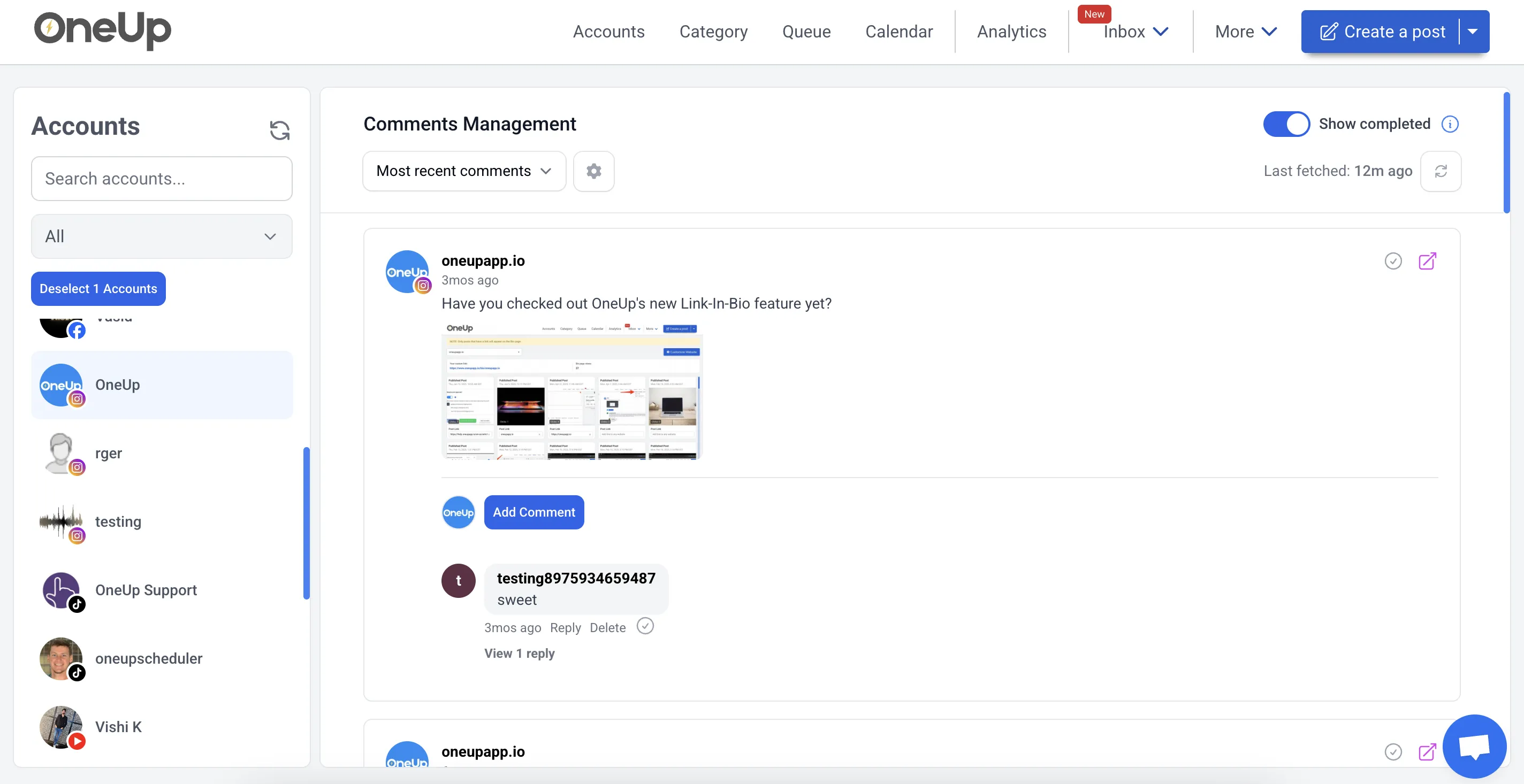
Social Inbox for replying to Instagram comments and messages

Reply to Instagram comments and messages with OneUp’s Social Inbox.

Instagram Social Inbox

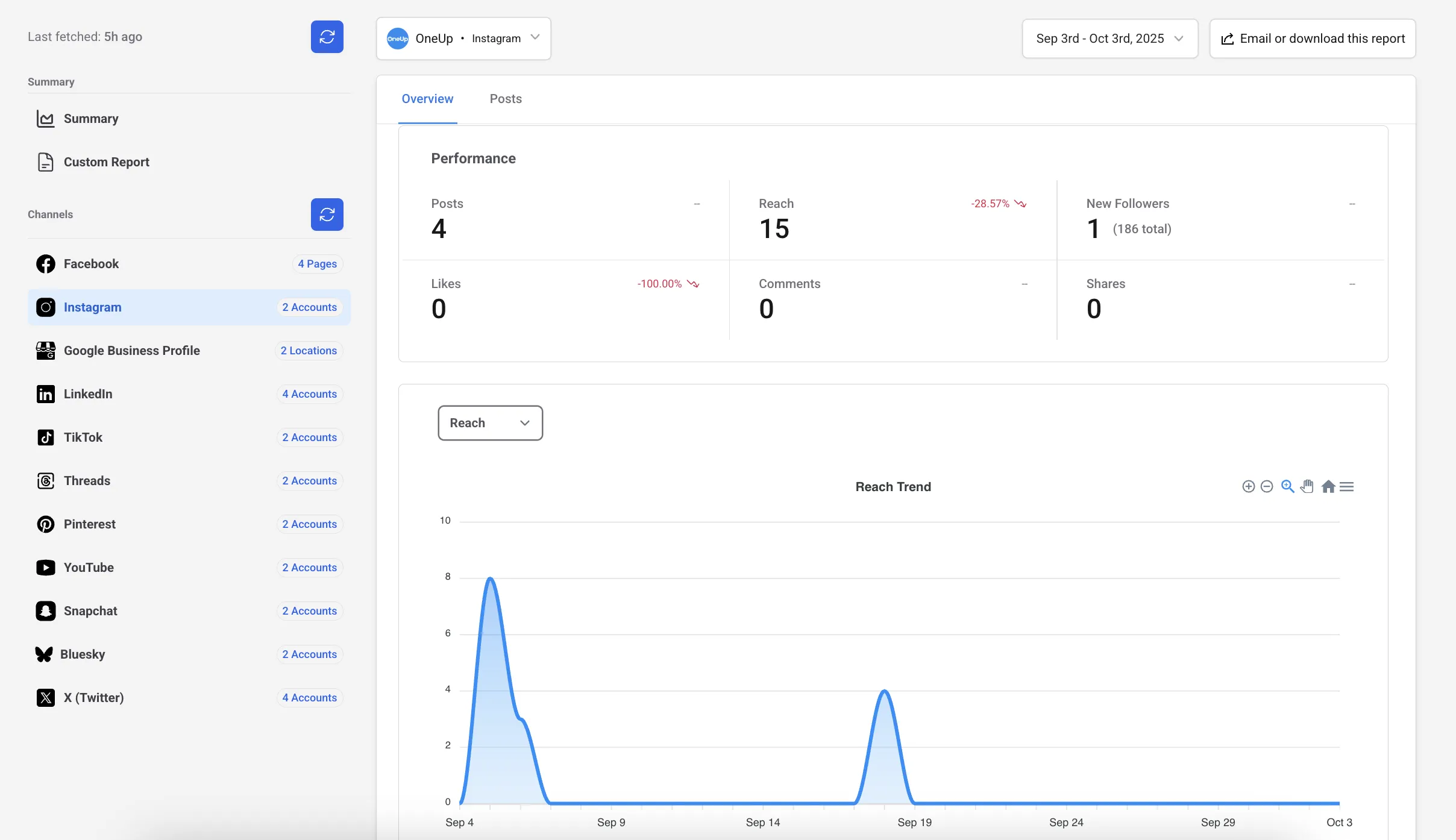
In-depth Instagram analytics and reports

See the analytics you need, with the ability to set up automatic reporting emails.

Instagram Analytics

You're in great company.

⭐️⭐️⭐️⭐️⭐️ (Based on 400+ reviews on Capterra)

5 / 5

OMG when I found OneUp it solved all my social media scheduling issues!

Krystle D - Director of HR
5 / 5

Excellent customer service, extremly easy to use Oneup's platform.

Chad G - Recreation facility owner
5 / 5

I enjoyed the ease of the program.

Judith H - Esthetician owner

Ready to start scheduling your Instagram posts?

OneUp supports Instagram, Instagram, YouTube, X, TikTok, LinkedIn, Threads, Bluesky, Snapchat, Pinterest, and Google Business Profiles.

Frequently asked questions

Yes, OneUp lets you schedule Instagram Reels in advance. You can prepare content, add captions, choose publishing times, and maintain an organized content calendar without manual posting each time.

Yes, OneUp supports Instagram Story scheduling. This benefits creators, brands, agencies, and businesses wanting to plan Story content ahead and keep posting consistent.

Yes, OneUp allows you to schedule Instagram carousel posts. These work for photo dumps, product showcases, educational material, step-by-step guides, portfolios, and brand updates.

Yes, OneUp lets you schedule Instagram posts to one or multiple Instagram accounts. This suits social media managers, agencies, franchises, and creators handling multiple profiles.

Yes, OneUp supports First Comments for Instagram posts and Reels. Use this feature for hashtags, extra context, links, notes, or supplementary information, keeping your main caption cleaner.

Yes, OneUp includes a Social Inbox where you can reply to Instagram comments and messages. This consolidates engagement management into one tool instead of juggling multiple platforms.

Yes, OneUp includes a drag-and-drop Instagram grid planner. Preview how scheduled posts appear on your profile before publishing to maintain a cohesive, consistent feed.

Yes, OneUp supports product tagging for Instagram posts. This benefits ecommerce brands, online stores, and businesses aiming to enhance the shopping functionality in their content.

Yes, OneUp supports user tagging, location tagging, and collaborator tagging. These features enhance post completeness, provide context, and enable partnership-based content creation.

Yes, OneUp offers Instagram analytics and reports. Review performance data and configure automatic reporting emails for tracking results, client reporting, and strategic planning.

Yes, OneUp supports post approvals. Send scheduled posts to team members, clients, or managers for review before publishing — especially useful for agencies and marketing teams.

Yes, OneUp supports cross-posting to Instagram and other social networks. Plan content once and distribute it across multiple platforms simultaneously to maximize efficiency.